Tutorials & Guides
Learn how to set up, configure, and deploy HARDWARIO IoT solutions with our step-by-step guides.
No tutorials match your search.

How to Add CHESTER to Cloud
Learn how to register your CHESTER device in the HARDWARIO Cloud using your phone and a QR code.

How to Connect CHESTER to Your Phone
Step-by-step guide to connecting your CHESTER IoT gateway to your phone via Bluetooth using the HARDWARIO Manager app.
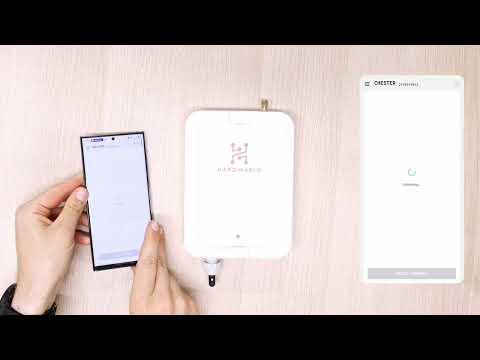
How to Update CHESTER with Phone
Learn how to update your CHESTER firmware over Bluetooth using the HARDWARIO Manager app on your phone.

How to Set Up Bluetooth Tag
Configure your TEKTONIKA Bluetooth Tag using the EYE App - from waking it up to setting power signal and advertising interval.

How to Pair Bluetooth Tag with CHESTER
Pair up to 8 Bluetooth Tags with your CHESTER gateway using the HARDWARIO Manager app terminal.

Ubidots - Creating a Basic Dashboard
Learn how to create a basic dashboard in Ubidots to visualize data from your HARDWARIO devices.

Ubidots - Connecting to the HARDWARIO Cloud
Connect your Ubidots account to the HARDWARIO Cloud to start receiving device data.

Ubidots - Adding a New Device
Add a new HARDWARIO device to your Ubidots platform for data visualization and monitoring.
Need Help Getting Started?
Our team is here to help you set up and configure your HARDWARIO IoT solution.
Or call directly: +420 775 159 734